Get Help
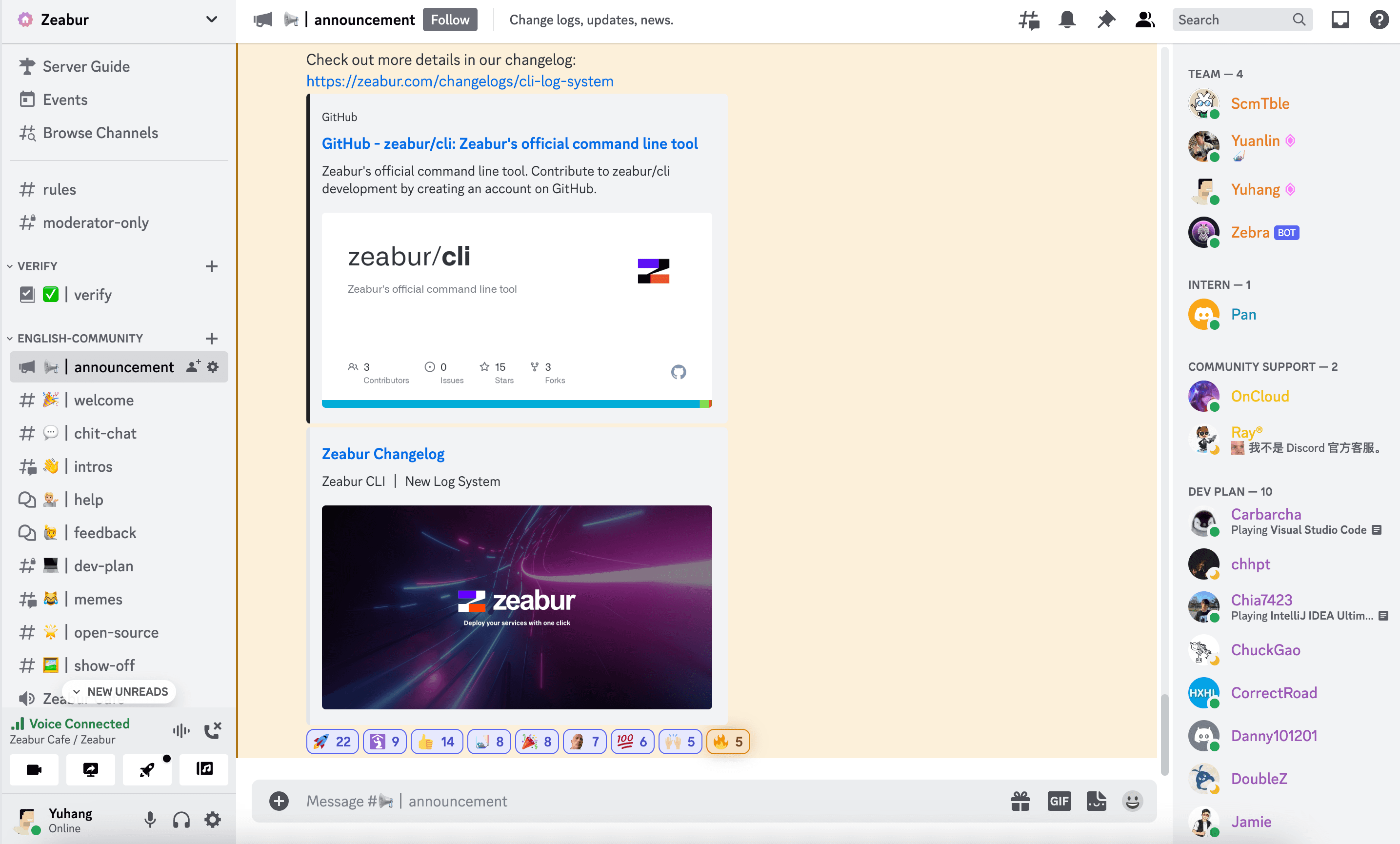
Sometimes you may encounter some problems when using Zeabur. You can get help from Zeabur team in our official Discord Server.
How to Get Help
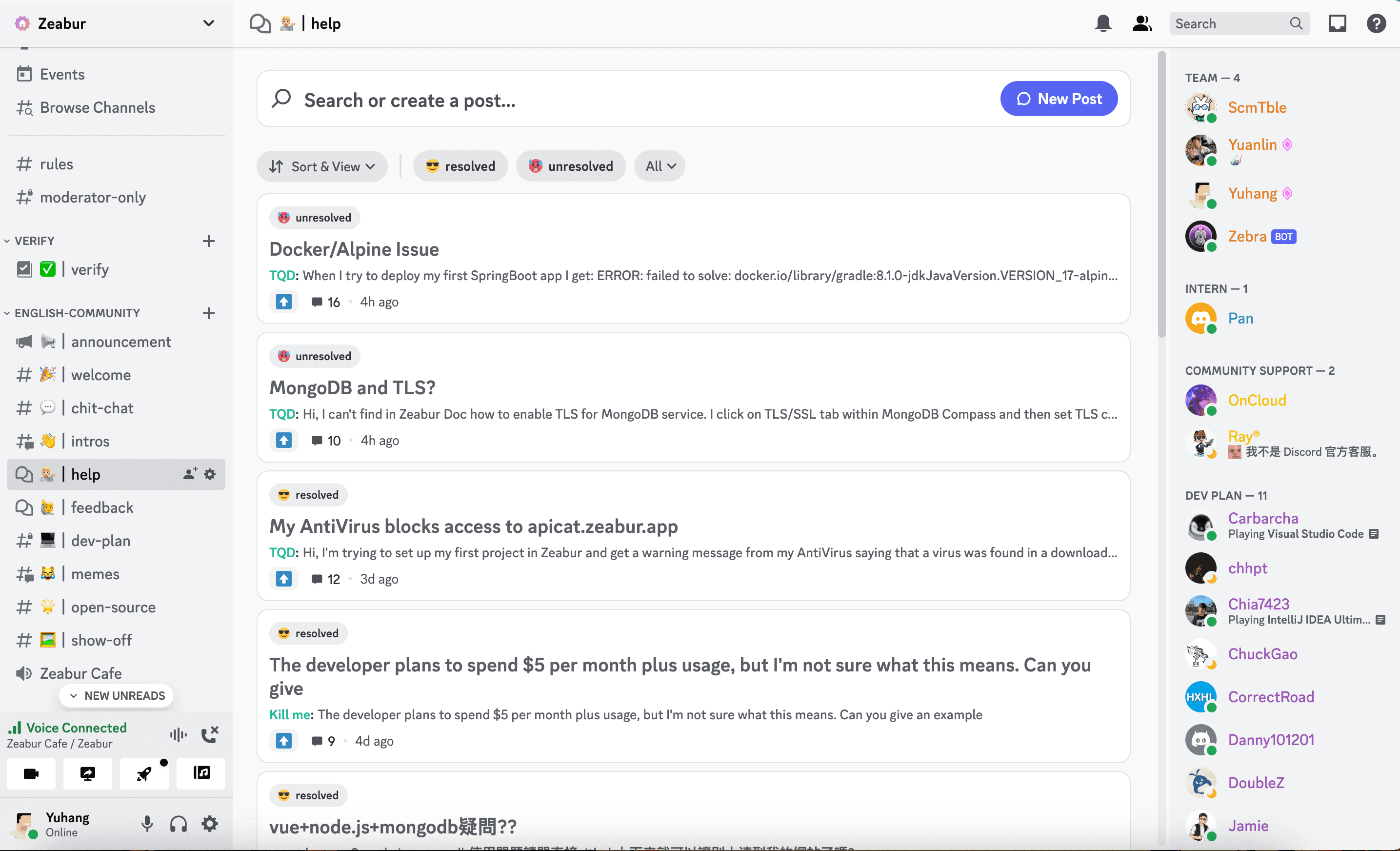
In our Discord server, we have a channel called help for everyone to post their problems.
Post Format
Following the format to describe your problem more clearly can help us target and solve your problem faster.
- Describe your problem shortly in the post title.
- Describe your problem details in the post body.
- Provide your
projectID,serviceIDordeploymentIDin the post. You can find them in the URL of your Zeabur dashboard.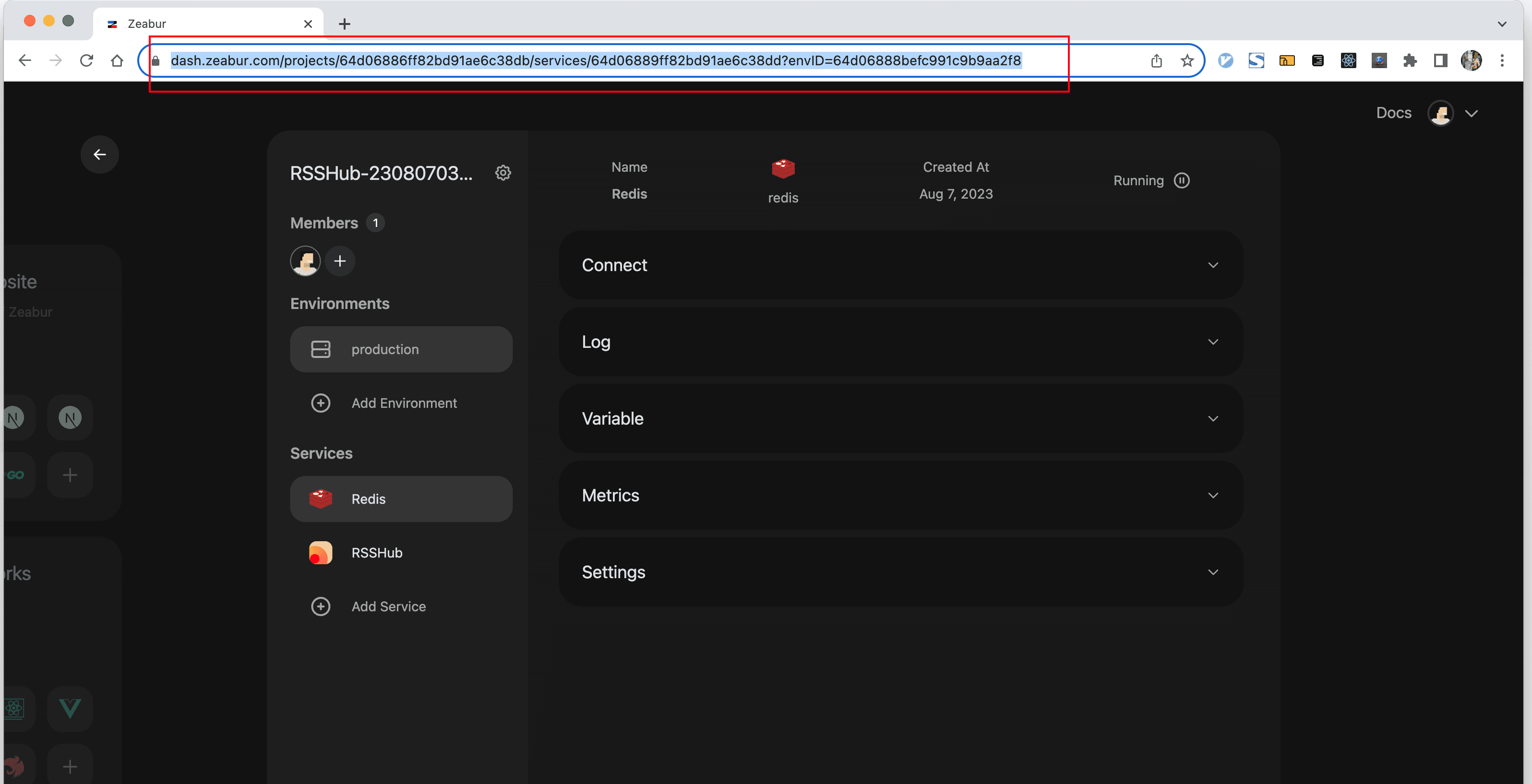
Post Example
Here is a good example from one of our user:

Priority Support
You can verify your account to get a priority support. Follow this documentation to proceed.
Other Ways to Contact Us
While Discord is our primary community platform, you can also reach out to us via email for support or inquiries:
- Email: contact@zeabur.com
For faster response times and access to our community resources, we recommend using Discord. However, if you prefer email communication, feel free to send us a message and we’ll get back to you as soon as possible.