


Typebot
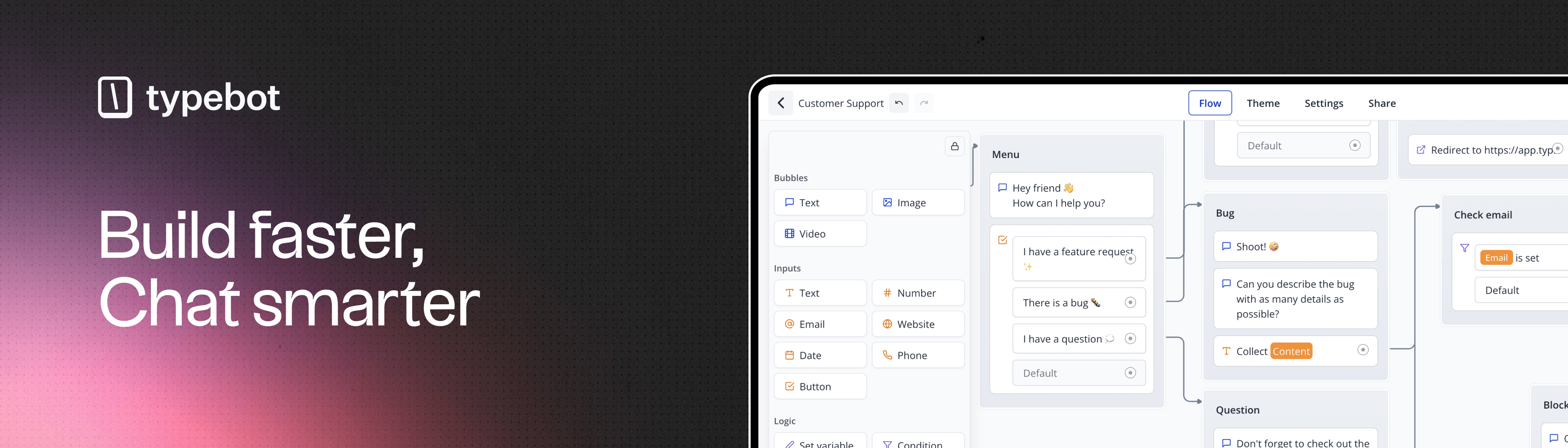
Typebot is a Fair Source chatbot builder that allows you to create advanced chatbots visually, embed them anywhere on your web/mobile apps, and collect results in real-time.

 Zeabur
模版内的服务

postgresql
postgres:16-alpine
redis
redis:7-alpine
typebot-builder
baptistearno/typebot-builder:3.14.1typebot-viewer
baptistearno/typebot-viewer:3.14.1Typebot
Typebot is a Fair Source chatbot builder. It allows you to create advanced chatbots visually, embed them anywhere on your web/mobile apps, and collect results in real-time.
Features
- Chat builder with 34+ building blocks: Text, Image, Video, Buttons, Date picker, Payment (Stripe), File upload, and more
- Logic blocks: Conditional branching, URL redirections, JavaScript scripting, A/B testing
- Integrations: Webhook, OpenAI, Google Sheets, Google Analytics, Meta Pixel, Zapier, Make.com, Chatwoot
- Theme customization: Fonts, backgrounds, colors, roundness, shadows, and custom CSS
- Share anywhere: Custom domain, embed as container/popup/chat bubble
- Analytics: Drop-off rates, completion rates, export to CSV
Default Credentials
- Admin Email: The email you set in
ADMIN_EMAILwill have unlimited access - Database: PostgreSQL with auto-generated password
Email Authentication Setup (Required)
You need to configure SMTP for email authentication. Common providers:
Gmail:
- Host:
smtp.gmail.com - Port:
587 - Username: Your Gmail address
- Password: App Password
SendGrid:
- Host:
smtp.sendgrid.net - Port:
587 - Username:
apikey - Password: Your API key
Quick Start
- After deployment, wait for all services to be ready (especially PostgreSQL)
- If you see database errors, restart the
typebot-builderservice to re-run database migrations - Visit your Builder Domain to access the Typebot editor
- Click "Sign up for free" and enter your email
- Check your email for the magic link to sign in
- Create your first chatbot using the visual builder
- Publish and share via your Viewer Domain
Troubleshooting
"The table 'public.User' does not exist" error:
- This means database migrations haven't run yet
- Go to Zeabur Dashboard →
typebot-builderservice → Click Restart - The migration will run automatically on restart
Environment Variables
SMTP_*: SMTP configuration for email authentication (required)ADMIN_EMAIL: Set this to your email to get unlimited plan accessENCRYPTION_SECRET: Auto-generated 256-bit key for encrypting sensitive dataNEXTAUTH_URL: Builder URL (auto-configured)NEXT_PUBLIC_VIEWER_URL: Viewer URL (auto-configured)
Custom Domain Setup
If you want to use custom domains, update the following environment variables:
| Domain Changed | Service | Variable to Update | Example |
|---|---|---|---|
| Builder Domain | typebot-builder | NEXTAUTH_URL | https://builder.yourdomain.com |
| Viewer Domain | typebot-viewer | NEXT_PUBLIC_VIEWER_URL | https://bot.yourdomain.com |
Note: URLs must NOT have a trailing slash. Use
https://example.comnothttps://example.com/
Documentation
模版内的服务
postgresql
postgres:16-alpineredis
redis:7-alpinetypebot-builder
baptistearno/typebot-builder:3.14.1