

A Brand New Container File Management Experience
Drag & drop folders, bulk upload, right-click context menus, PDF preview, and folder downloads
 Yuanlin Lin
We've completely rebuilt the file management experience in the Zeabur Dashboard. This has been one of our most requested features, and we're excited to finally deliver it.
What's New
Drag & Drop Everything
The new file manager works just like Finder or Explorer. You can now:
- Drag a single file into any folder
- Drag multiple files at once
- Drag an entire folder with its full directory structure
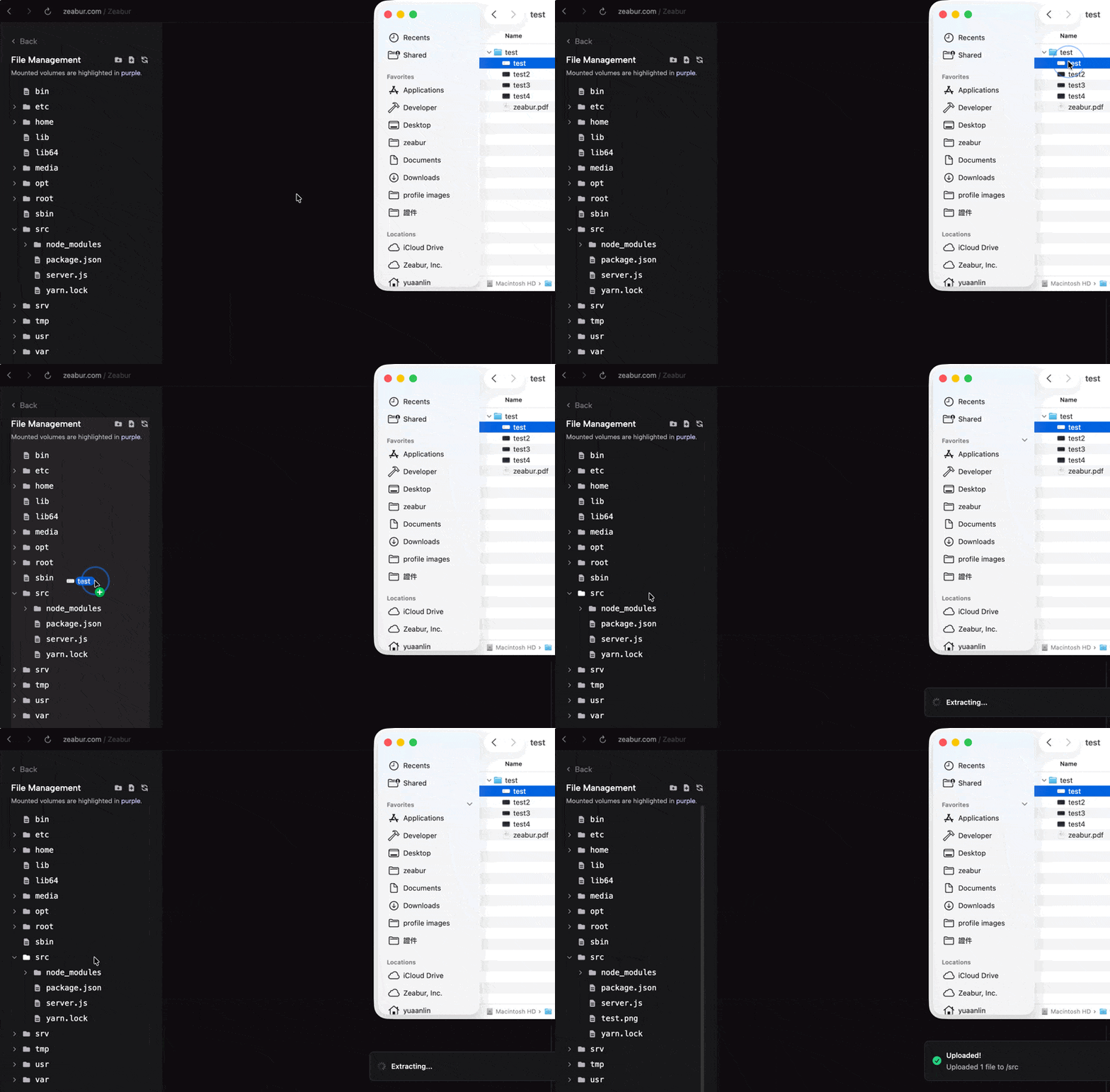
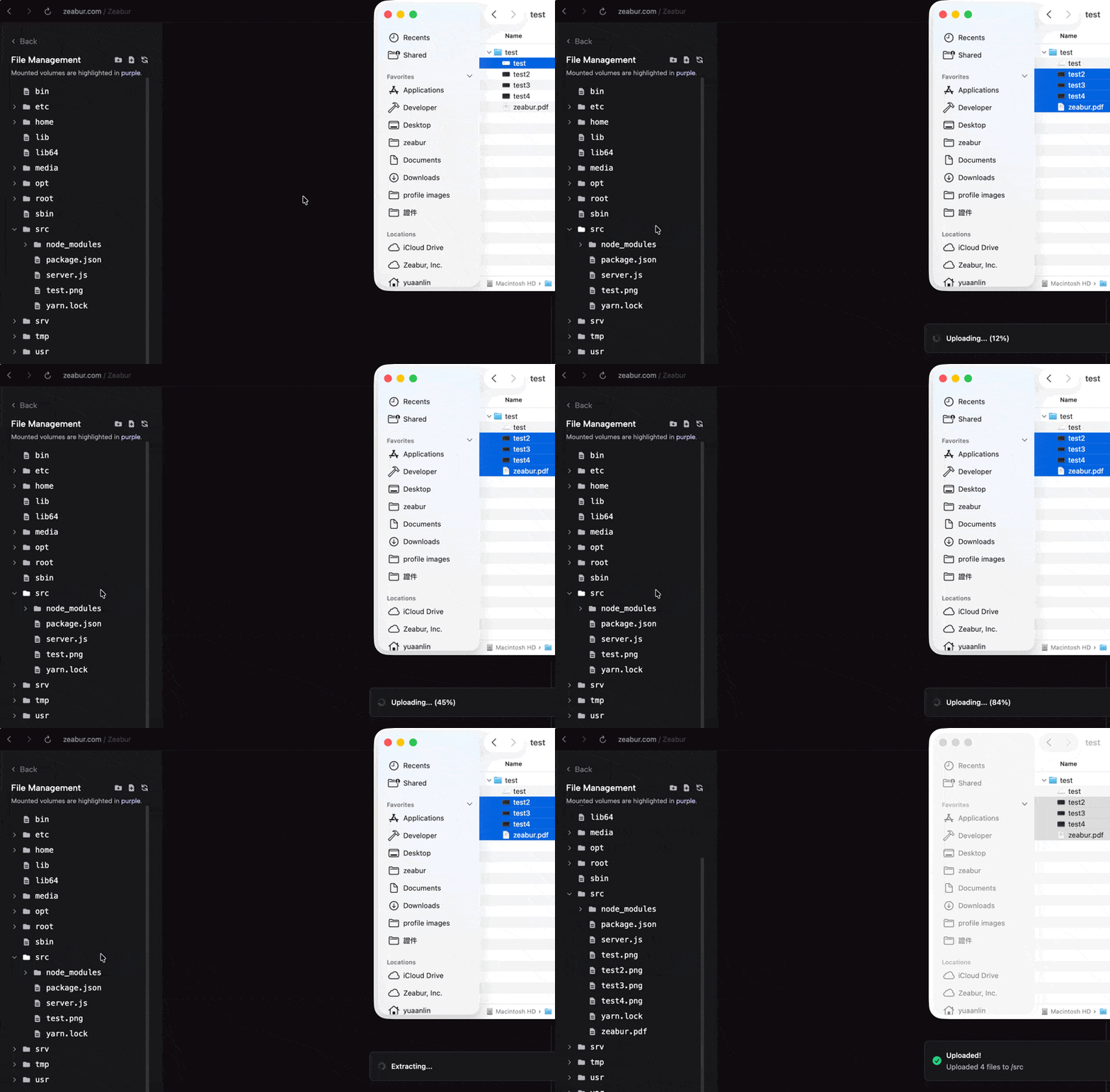
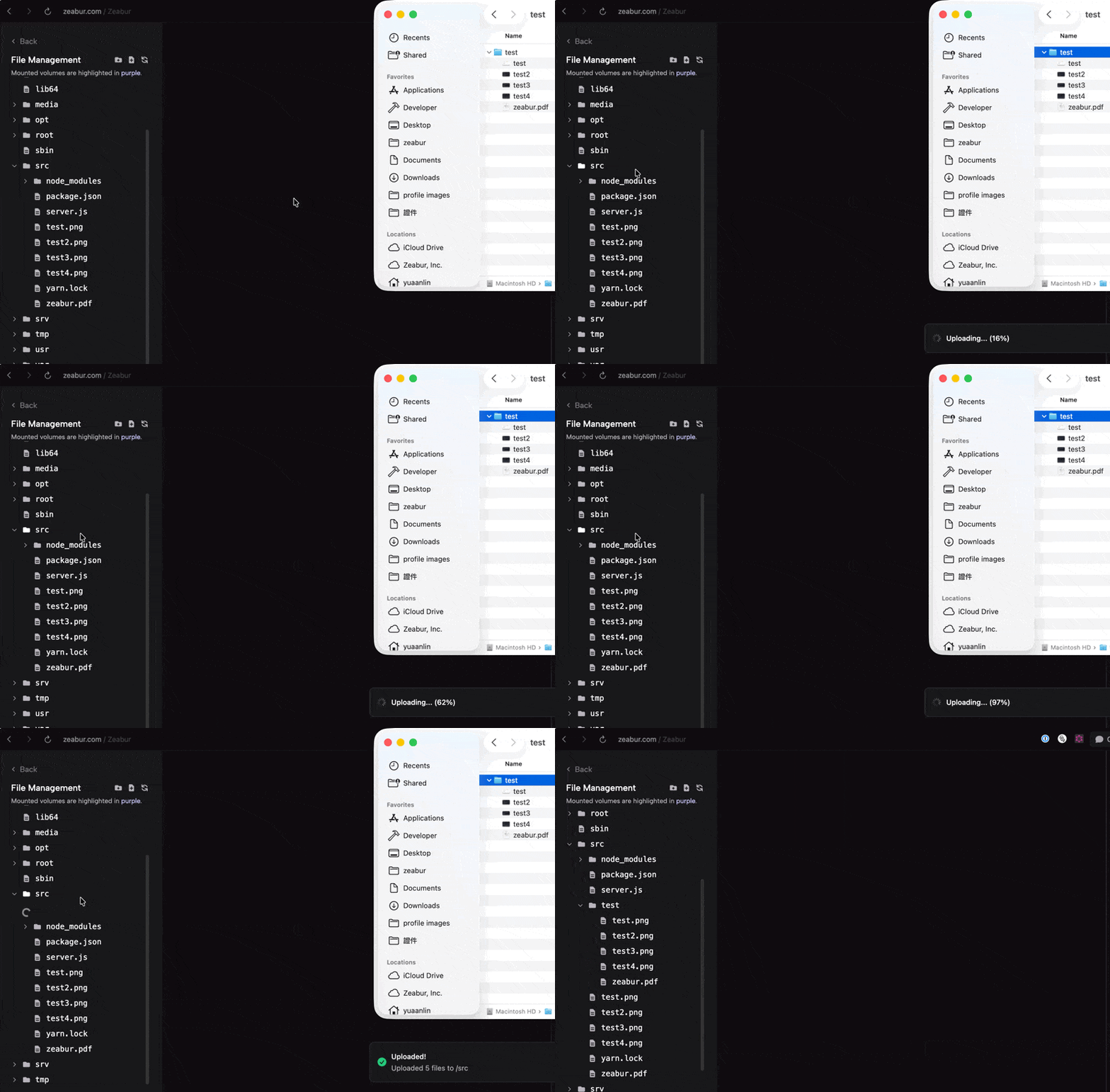
All files are compressed into a tar.gz archive in your browser, uploaded to S3 in a single request, then extracted directly inside your container. This means uploads are fast regardless of how many files you're transferring.
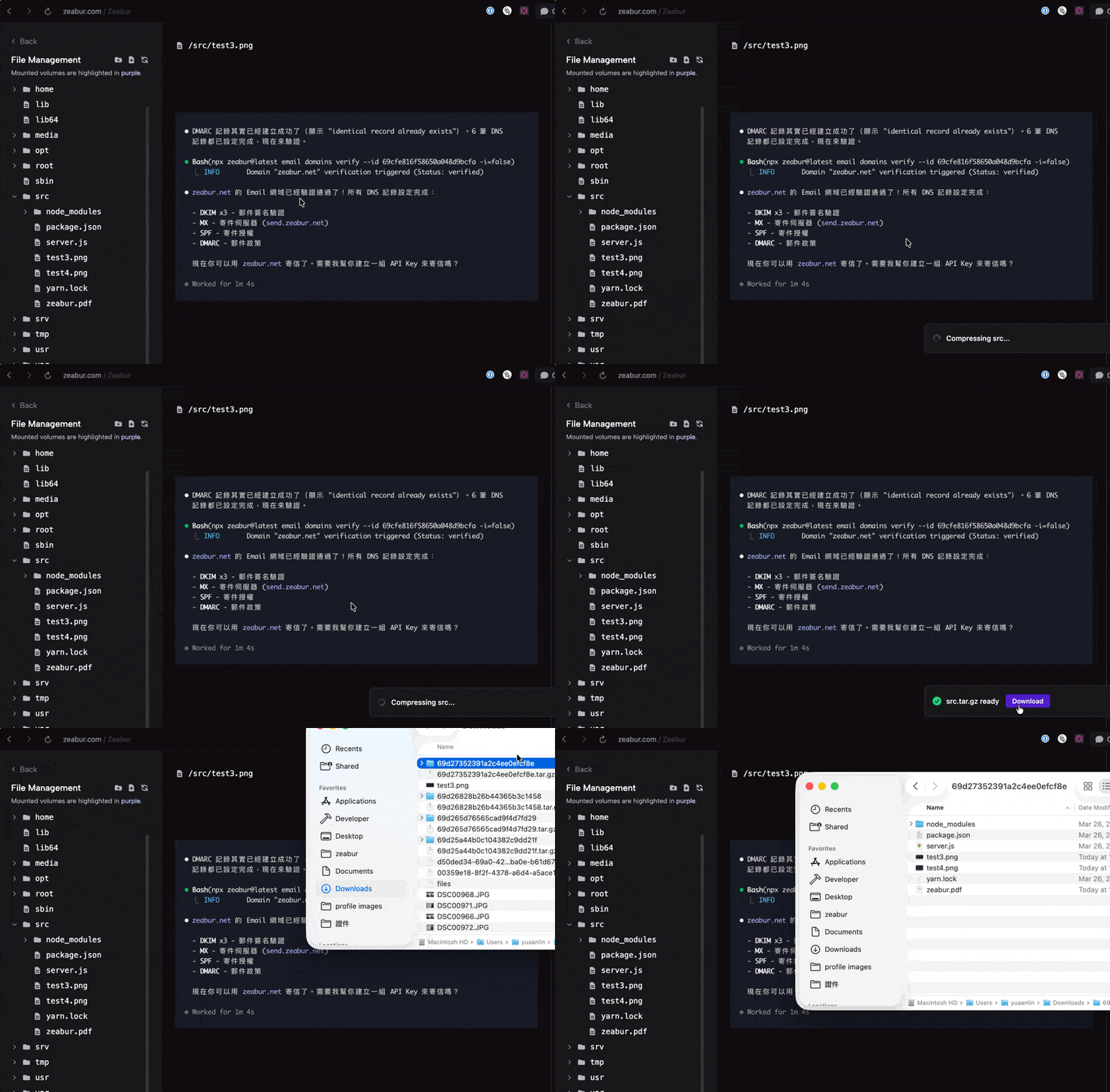
Download Entire Folders
Right-click any folder and select Download. The container compresses the folder, uploads it to S3, and you get a download link when it's ready — no more downloading files one by one.
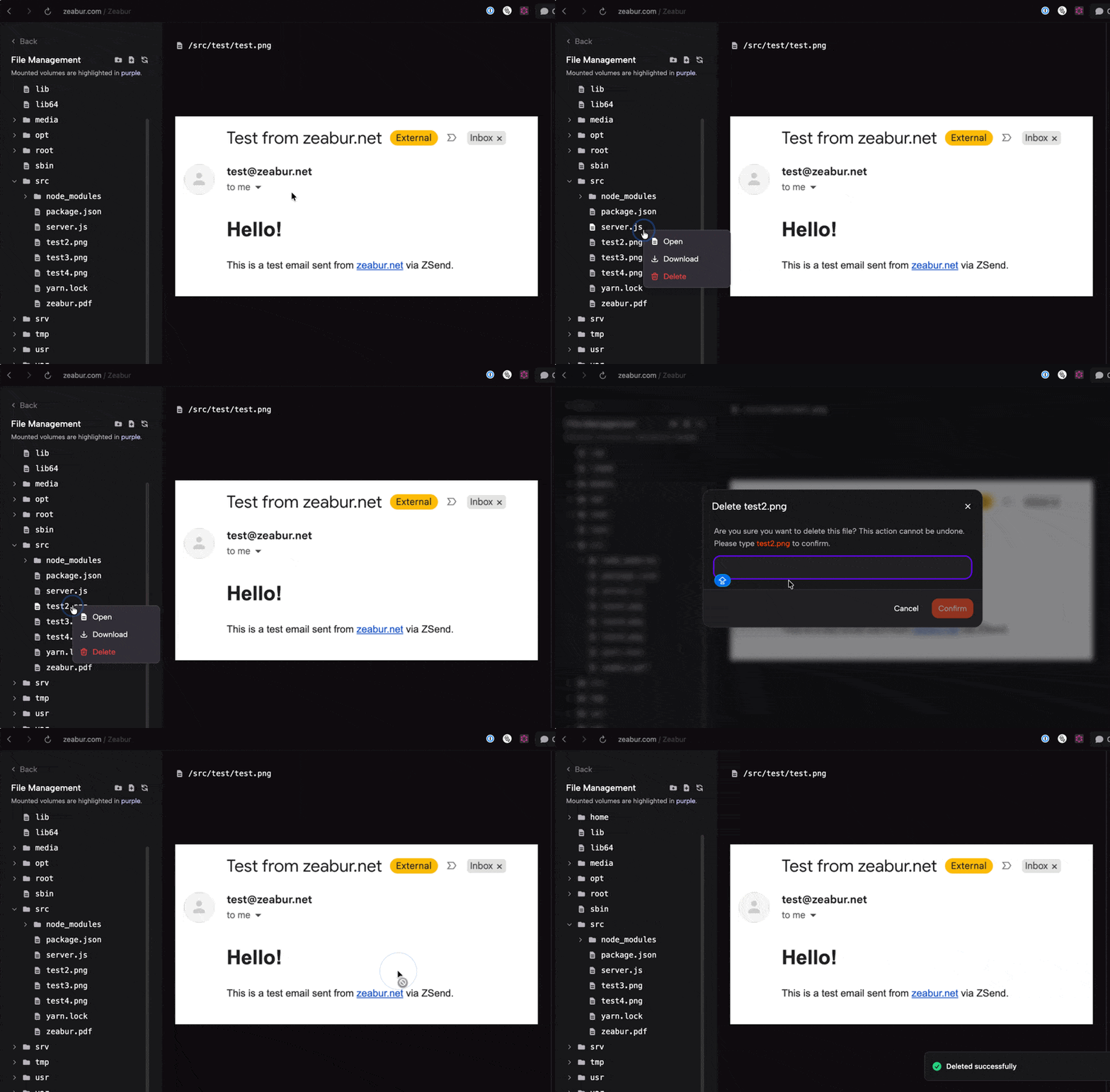
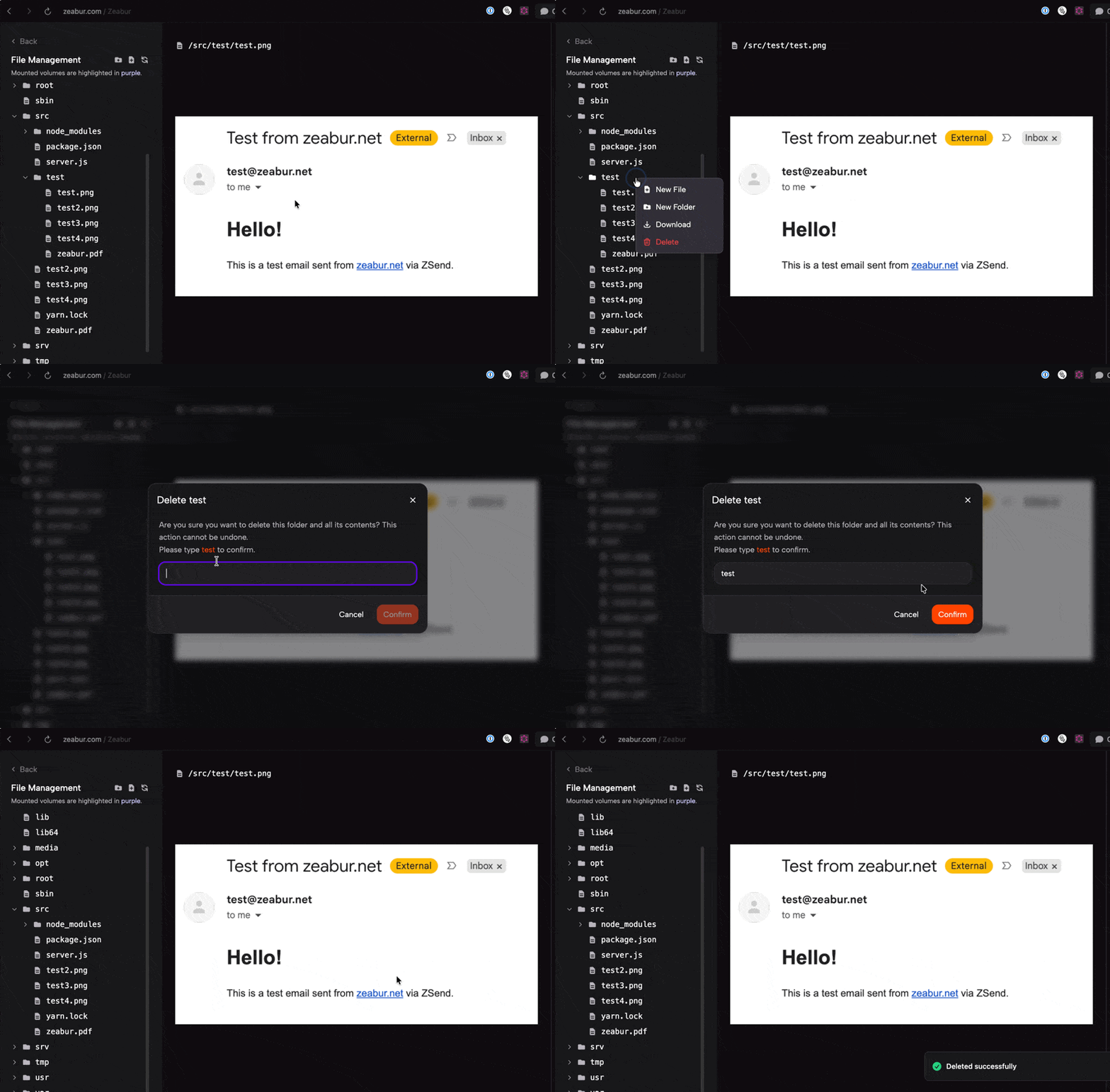
Right-Click Context Menu
Every file and folder now has a context menu with quick actions:
- Files: Open, Download, Delete
- Folders: New File, New Folder, Download, Delete
- Empty space: New File, New Folder, Refresh
PDF & Image Preview
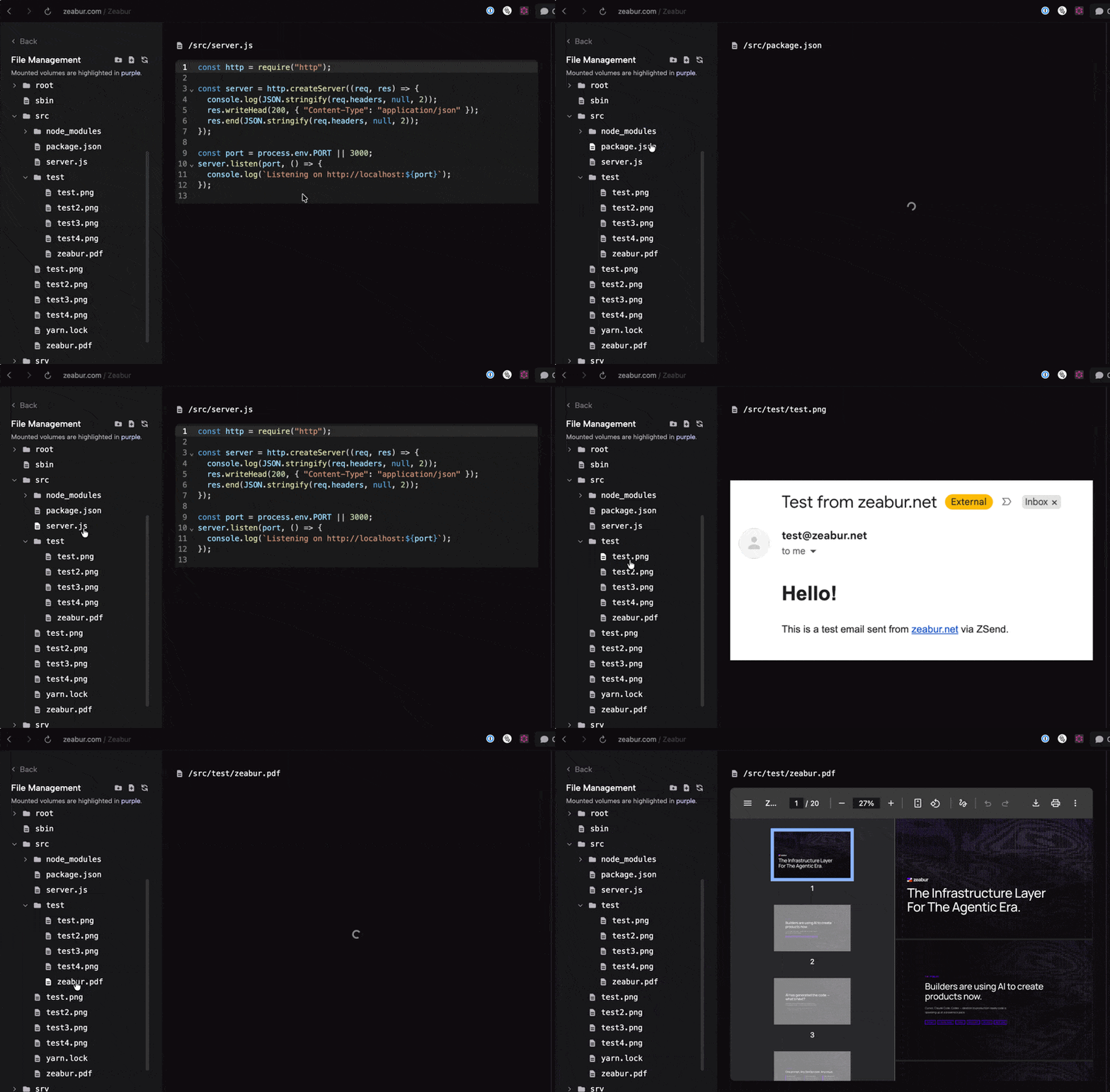
Click on a PDF to view it inline. Images render directly in the viewer. Binary files show a download button instead of garbled text.
Download Files
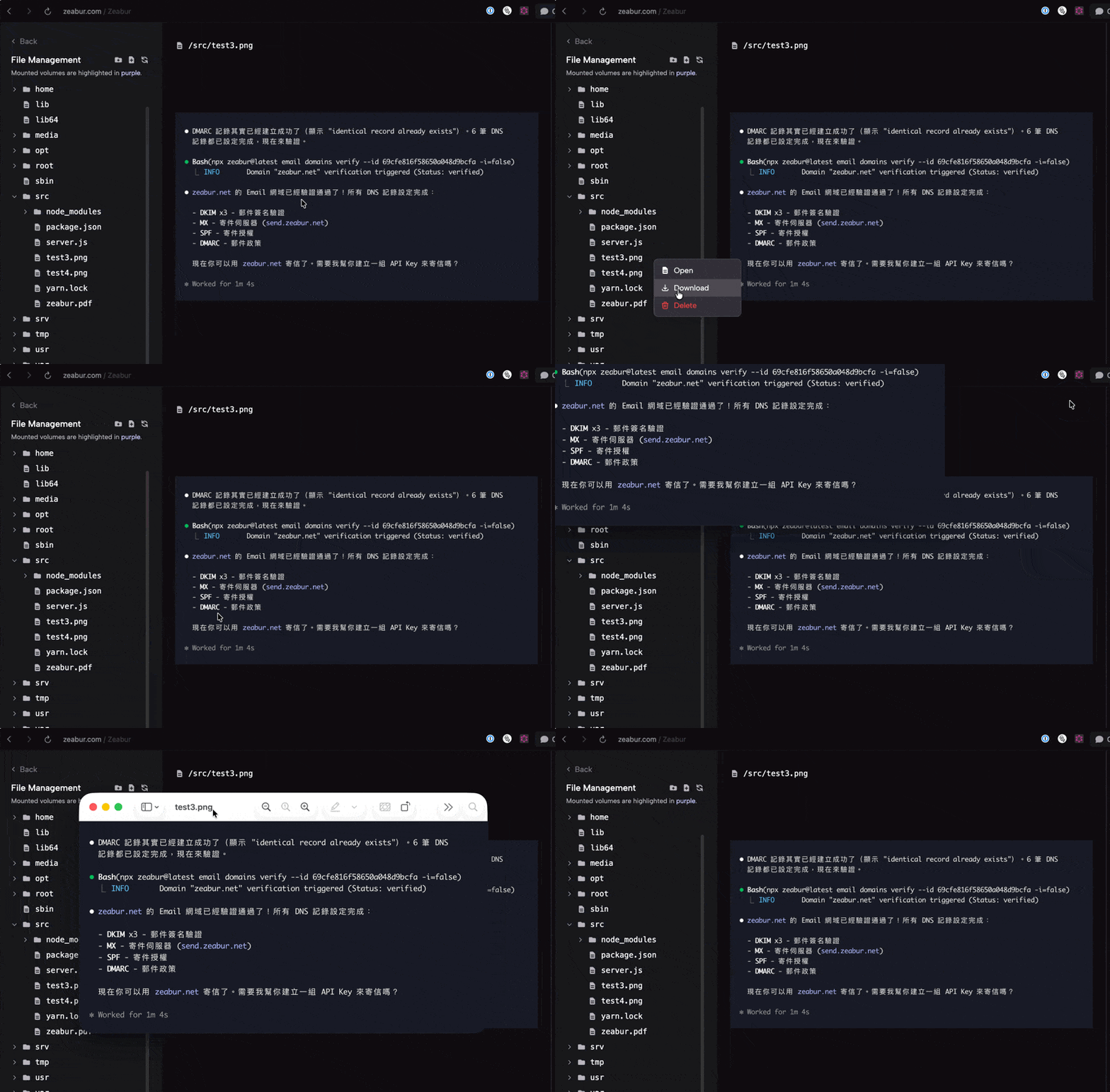
Click on any file to preview it, or right-click and select Download to save it locally.
Chinese & Special Character Support
File names with Chinese characters, spaces, and other Unicode characters now display correctly everywhere.
Resizable Sidebar
The file tree sidebar can be resized by dragging its edge — find the width that works best for your project structure.
Architecture
V3 uses a new upload architecture that works across all regions, including dedicated servers:
- Upload: Browser creates tar.gz → uploads to S3 → container downloads and extracts via
wget | tar xzf - Download: Container compresses folder → uploads to S3 → browser downloads via presigned URL
- Browse/Edit: All operations go through the gateway via gRPC — no direct container connection required
This means V3 works reliably on every Zeabur region without needing browser-to-container connectivity.
Developer Plan Features
Bulk operations are available on the Developer Plan and above:
- Upload multiple files or folders
- Upload or download files larger than 5 MB
- Download entire folders
Single file uploads and all browse/edit operations remain free for everyone.
Try it now — open any running service and click Files from the overview tab. We'd love to hear your feedback on our Forum.